
Mixed Reality Applications
Mixed Reality Applications
Mixed Reality Applications
Dec 12, 2024
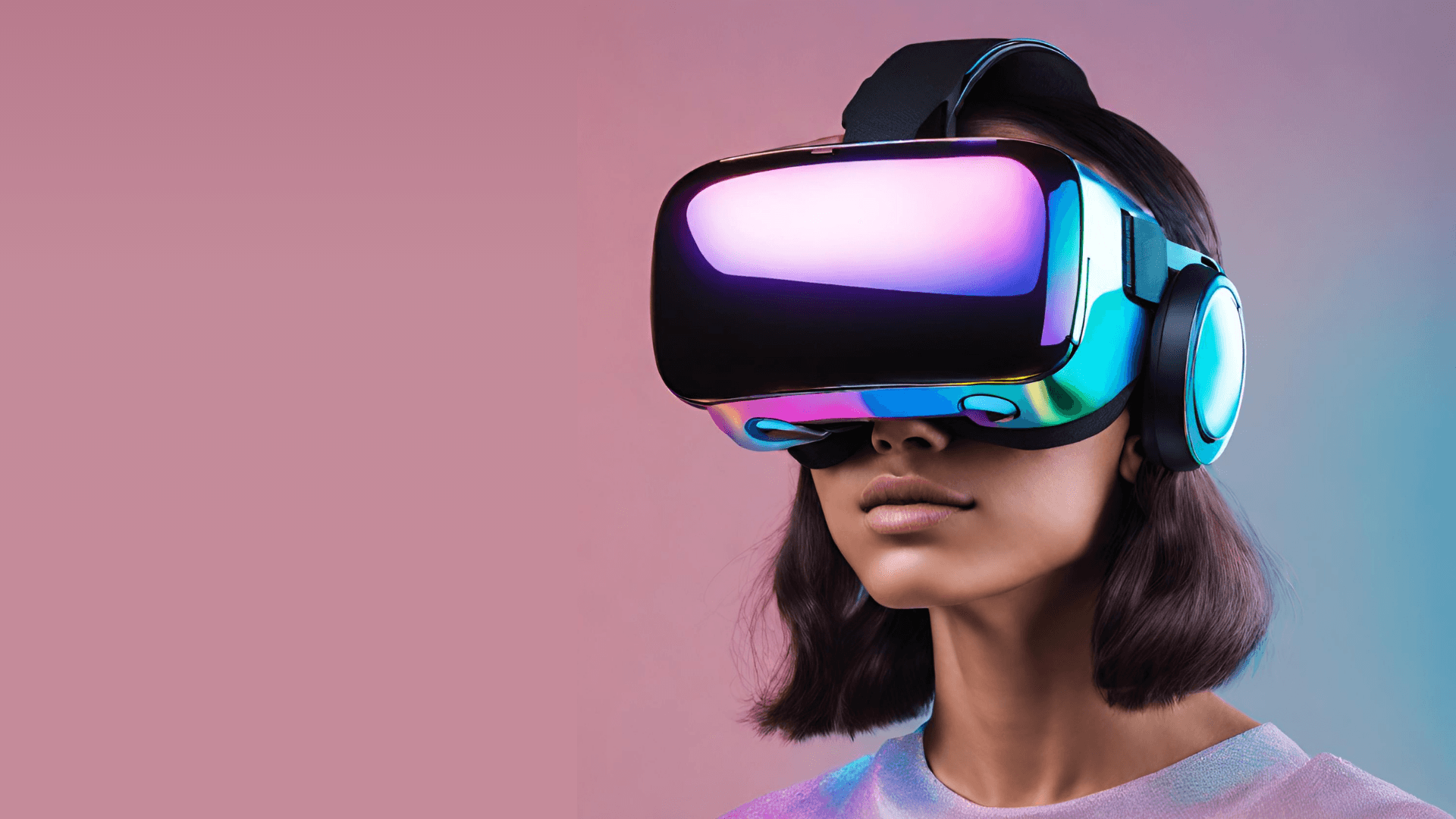
Mixed-Reality
This page includes all the MR games I've developed, both on my own as well as with a team.
Adaptive Hockey VR
Trailer
This VR application for adaptive hockey training combines several key features to create an immersive and accessible experience for athletes with disabilities. Here's a summary of the project's development from proposal to gold release:
Project Overview
The application aims to provide a safe, personalized training environment for adaptive hockey athletes, addressing challenges in traditional training methods. It offers various drills and gameplay modes to develop both physical and cognitive skills.
Key Features
Training Modes
Movement training
Freestyle passing
Obstacle course
Multiplayer gameplay
User Experience
Immersive first-person view
Realistic volt chair model and controls
Ray interaction for menu selection
Scene transitions between drills
Point system for performance feedback
Accessibility
Customizable difficulty levels (Beginner and Advanced)
Settings menu accessible via primary buttons on either controller
UI elements that follow the player's vision
Gameplay Elements
Realistic ball physics and appearance
Animated NPC coach for guidance
Timer system with countdown in Advanced Mode
Chair animations with wheel movement and sound effects
Multiplayer
Lobby system for player identification and team selection
Team-based gameplay with scoring
Development Progress
Prototype: Established basic gameplay mechanics, including volt chair control and ball interactions.
Alpha: Introduced multiple scenes for different drills and a main menu with explanations.
Beta: Added an announcer, settings menu, difficulty selection, and a new obstacle scene. Improved visuals and sounds, including animated NPCs and chair animations.
Gold Release: Implemented a structured main menu for single-player and multiplayer modes, enhanced coaching features, and multiplayer functionality.
Ongoing Improvements
Optimizing multiplayer performance
Implementing a high score system
Further polishing visual feedback for successful actions
Simplifying the environment design
This adaptive hockey VR application demonstrates a thoughtful approach to creating an accessible, engaging training tool for athletes with disabilities, with continuous improvements throughout its development cycle.
MR Application 1: 3D Design Prototype in VR
This VR application serves as an early prototype for a potential 3D design app. It focuses on implementing basic XR interactions and key functionalities.
Environment
Custom skybox and floor
Platform/table and shelf included
At least four interactable objects from VR Interactable Objects package placed on the shelf
Navigation and Controllers
Right controller: Direct interaction only
Left controller: Teleportation with reticle for destination visualization
Feedback
Hover and Select feedback with sound clips and vibrations
Interactable objects play sound on collision and have bouncy material
Interactions
Highlight Object
Selected objects change to custom highlight color (modifiable in Inspector)
Color reverts when deselected
Clone Object
Press A button (primary) on right controller to clone selected object
Clones current version, not prefab
Destroy Object
Press B button (secondary) on right controller to destroy grabbed object
Visual effect and sound clip played on destruction
Color Wand
Placed on platform at game start
Pickable by either controller
Change tip color with trigger button (random color each press)
Touch interactable objects with tip to change their color
MR Application 2: Enhanced 3D Design App
This application builds upon the first, adding various UIs and novel interactions.
Environment
Custom skybox and floor
Platform included
At least six shapes from XR Interaction Objects folder on wrist menu
Controllers
Left controller: Wrist menu control (3D rotatable object)
Right controller: Direct interaction only, with pointer for interactions
Wrist Menu
Shapes Panel
Default panel
Six different addable shapes
Shapes highlight white when hovered
Selected shapes added to scene with effects
Colors Panel
At least four selectable colors
Colors applied to right controller pointer on hover
Visual feedback on hover
Menu Panel
Reset button to reload current level
Interactions
Highlight Object
Hovered objects match pointer color
Reverts to original color when not hovered
Color Object
Press trigger to apply pointer color to hovered object
Clone Object
Press A button to clone selected object
Cloned objects respond to physics and self-destruct at distance
Destroy Object
Press B button to destroy grabbed object with effects
Resize Object
Use right joystick to scale objects (up to 4x larger, down to 0.5x smaller)
MR Application 3: VR Beat-Driven Exercise Game
This application is a VR game inspired by BeatSaber and HitStream, focusing on destroying diamonds to the beat of music.
Scenes
Lobby: Main menu with three level selection buttons
Levels: Three game levels with similar design but different songs
Gameplay Mechanics
Shapes (Diamonds)
Spawn at distance, move forward
Players punch with correct controller (color-coded)
Break into pieces when correctly punched (based on punch strength)
Score increments on successful punch
Blocks
Obstacles to avoid
Random spawning and sizing
Players lose points on collision
Scorekeeping
Start at 0 points
Gain points by punching diamonds correctly
Lose points for incorrect punches or block collisions
Game over if score drops below 0
Win by surviving until end of song
Level Manager
Monitors game state (Win/Lose)
Manages UI updates and game-over conditions
Feedback
Haptic feedback for all collisions
Controller vibrations for punches and collisions
MR Application 4: AR Darts Game
This AR game utilizes spatial awareness for an immersive darts experience.
Dart Board
Traditional design with scoring slices
Initially placed at default position
Plays impact sound when hit
Spatial Anchor
Players anchor board to real-world surface
Anchor persists across game sessions
Repositionable by grabbing and moving
Scoring
Displays best score, current score, and time
1-minute gameplay
Points awarded based on board sections hit
Dart Behavior
Three darts in holder on left controller
Grabbable by right controller only
Physics-based throwing with realistic force
Points scored only when dart tip hits board
Dart Spawner
Maintains up to three available darts
Helper UI
START GAME button to begin
RESTART button to reload scene
RESET button to clear game data and anchors
This AR Darts game combines spatial awareness, physics-based interactions, and persistent data to create an engaging and realistic darts experience in augmented reality.